
In this section
Upload PDFs
Upload one PDF or a whole batch from the Documents page, with the Upload button or by drag and drop, and see when each one is ready for preflight.
Every conversion starts on the Documents page. You can upload a single title or a batch of titles in one go.
Upload your PDFs
- Open Documents and check that PDF is selected at the top left.
- Click Upload documents in the toolbar. On an empty account, you can also click Upload PDFs in the middle of the page.
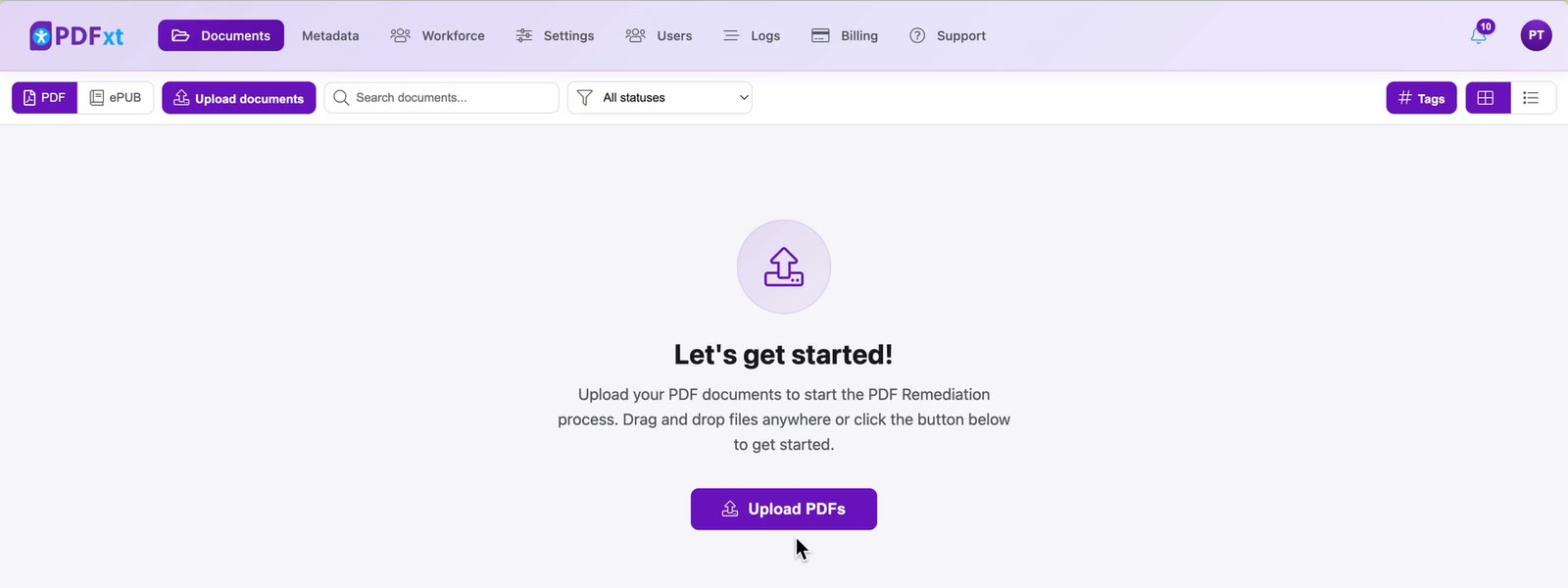
- Choose the PDFs you want to convert. You can select several at once.
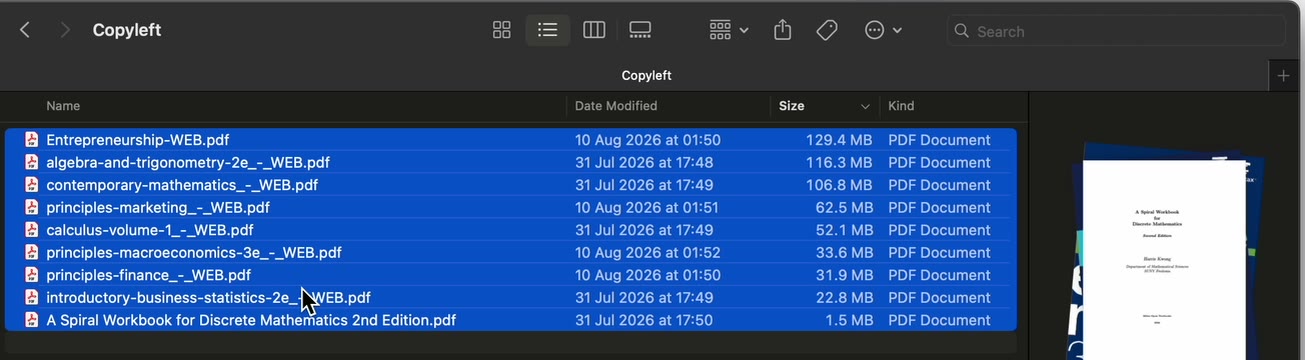
Or drag the files from your desktop or file manager and drop them anywhere on the page.
Wait for the uploads to finish
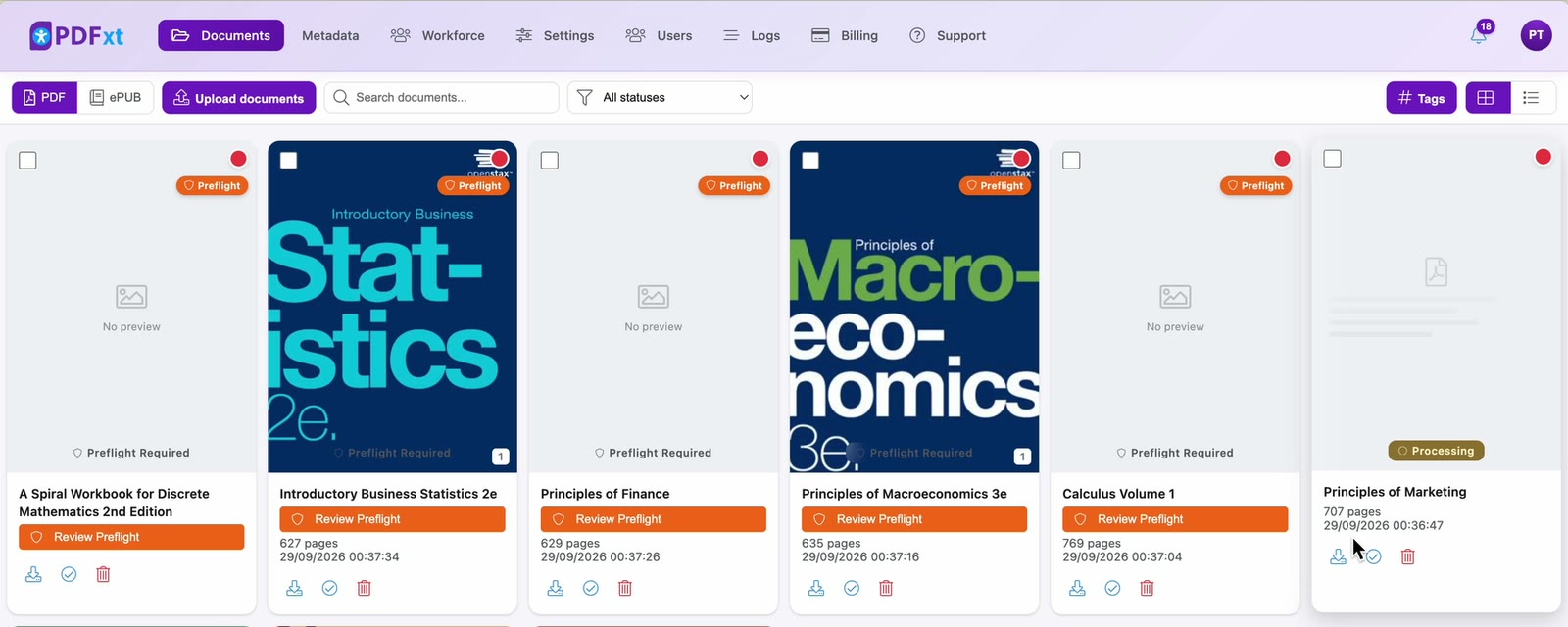
Each file gets a card on the Documents page as soon as it starts uploading, and a counter at the top right shows how many files are done. Stay on the page until every file has finished uploading.
When a file has uploaded, PDFxt reads it and the card shows Processing. Once it has been read, the card shows Preflight Required, with a Review Preflight button.
Check it worked
Every card shows its page count and upload date, and none is still uploading or processing. You're ready for the next step: Review preflight checks.
Related articles
Watch the video
Uploading PDFs, part 1 of the PDFxt video series.